Project management
Create, switch, rename, and continue screenshot projects for different apps, devices, and locales.
StoreFramer Studio is a local-first Mac desktop app for designing App Store screenshots, managing localized assets, and exporting artwork for your App Store Connect workflow.
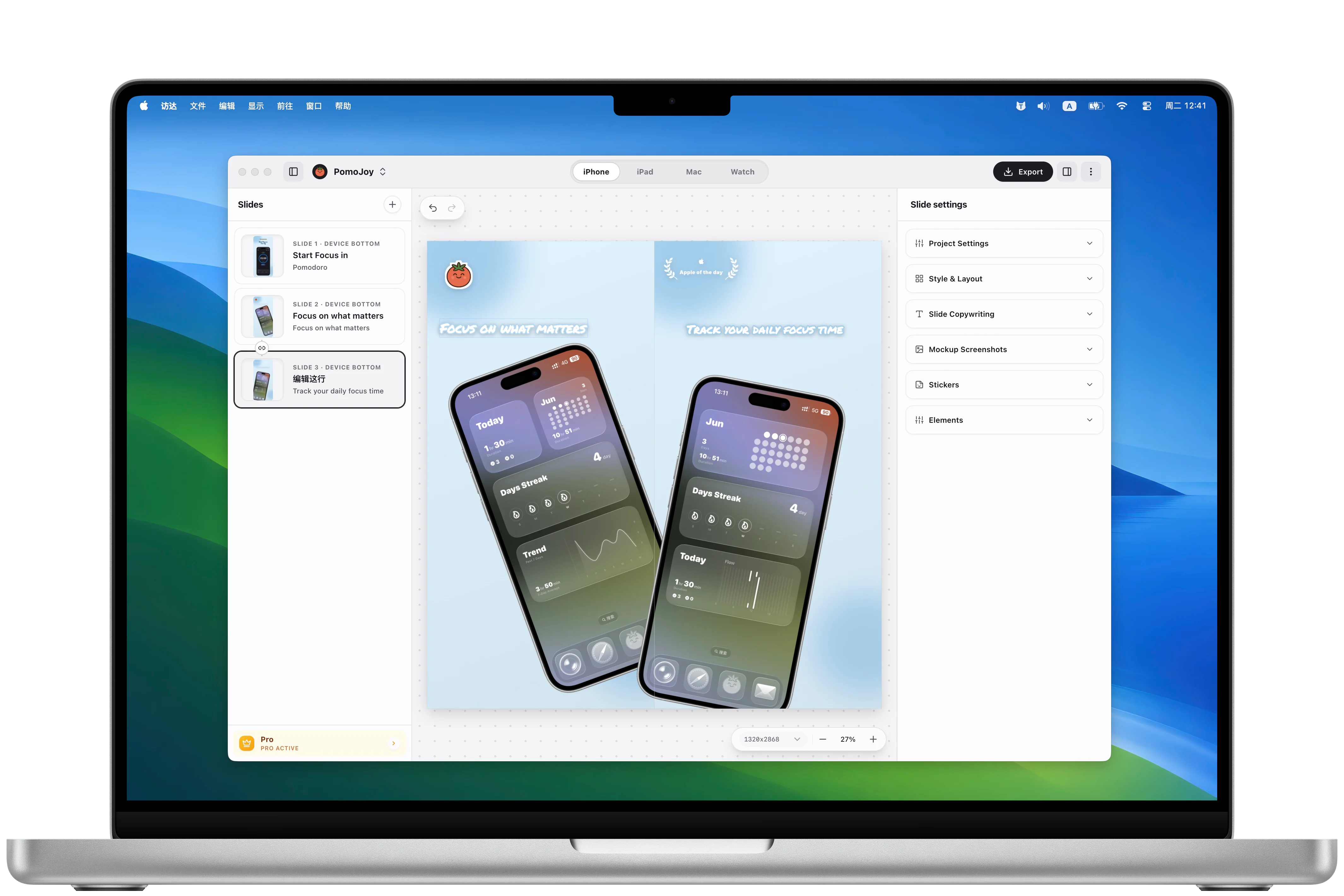
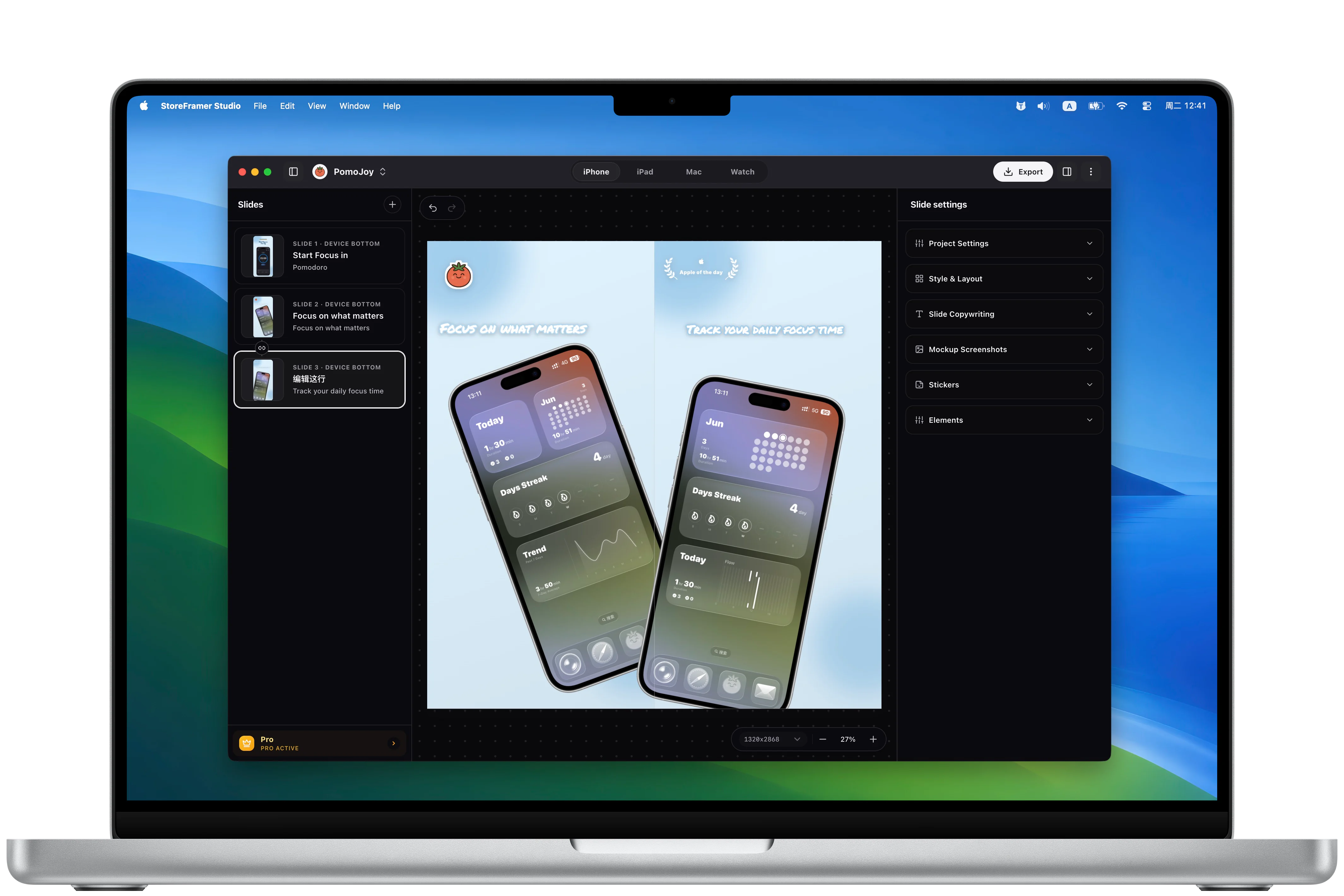
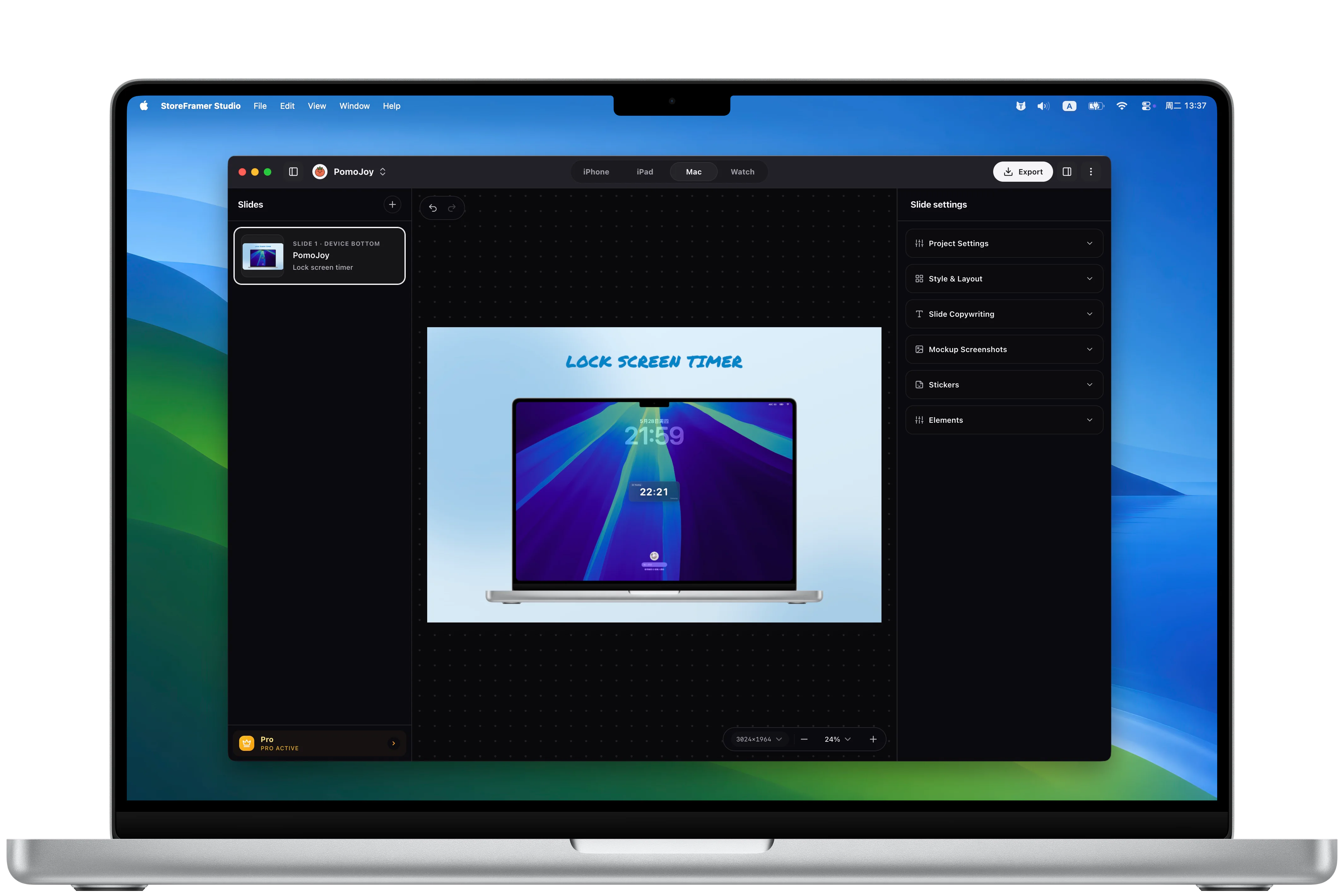
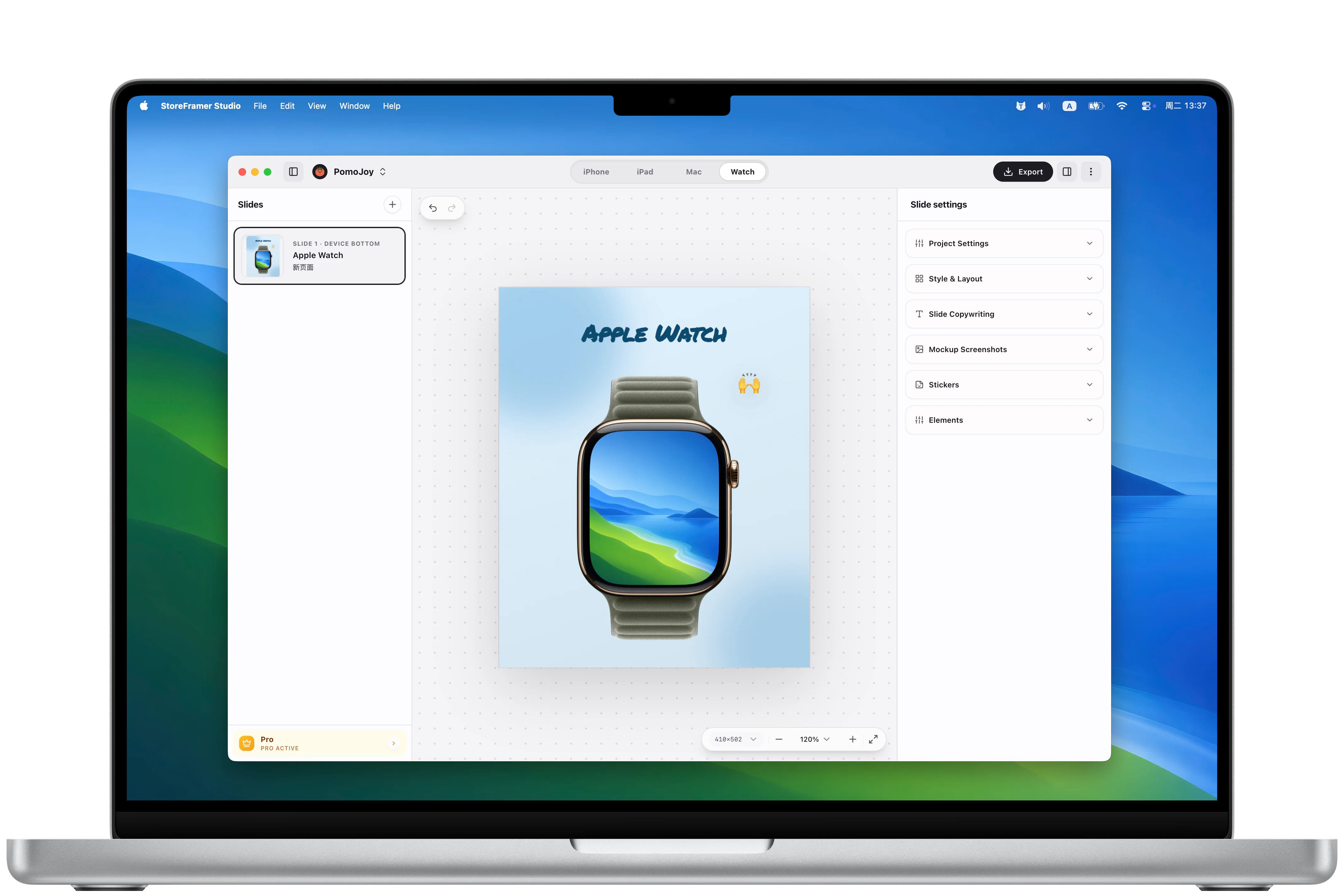
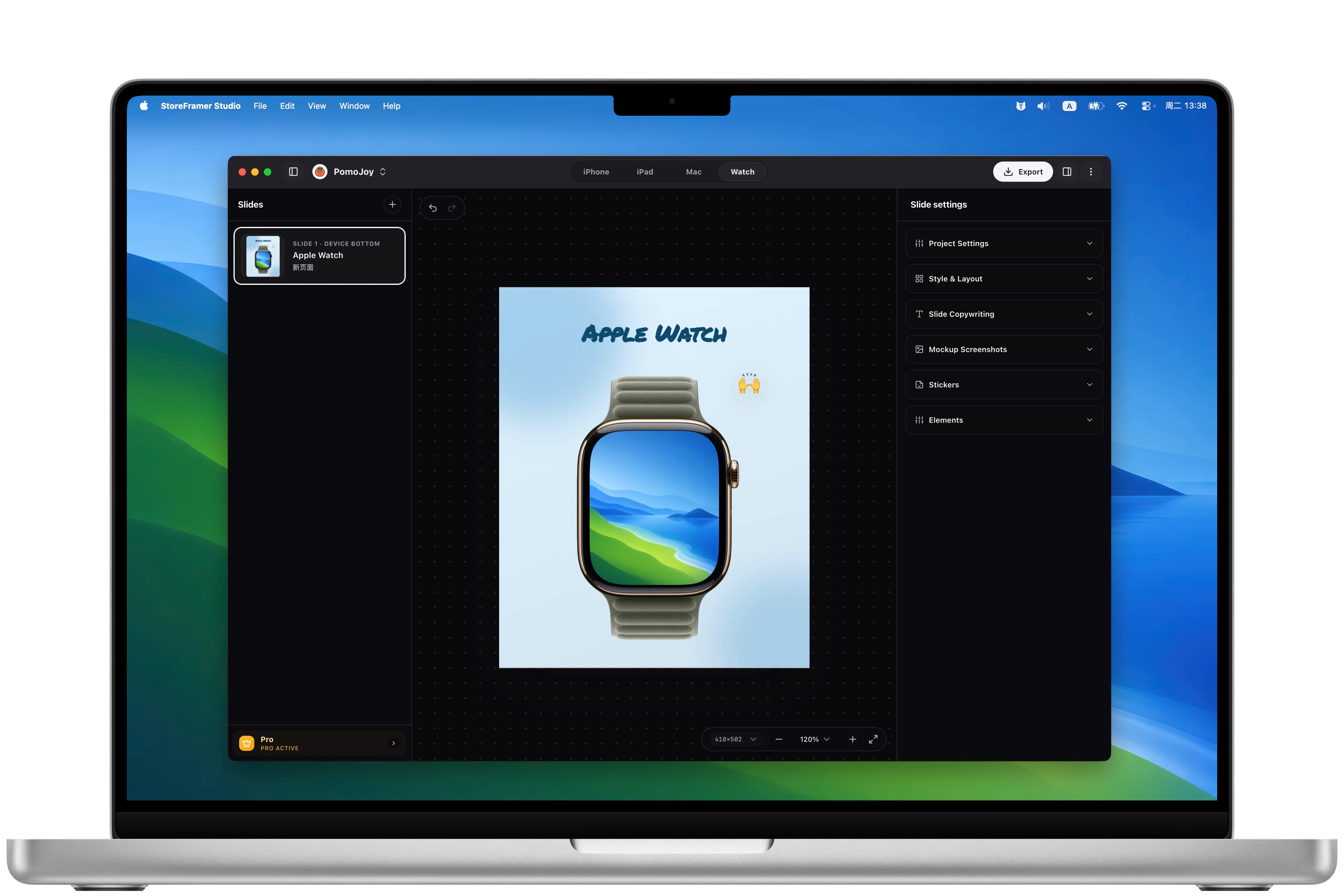
Keep device sizes, localized copy, frames, backgrounds, and export settings in one focused desktop workspace.
Create, switch, rename, and continue screenshot projects for different apps, devices, and locales.
Review the editor in light and dark modes so your store assets stay readable in every working context.
Keep screenshots, app names, headlines, and taglines separate for each language without mixing revisions.
Add common App Store screenshot stickers, award laurels, and emphasis elements to make key claims feel launch-ready.
Export the selected device or every configured device as artwork for App Store Connect.
StoreFramer Studio focuses on designing, organizing, and exporting. It does not try to replace App Store Connect.
Add real app screenshots, app icons, and backgrounds by language and device.
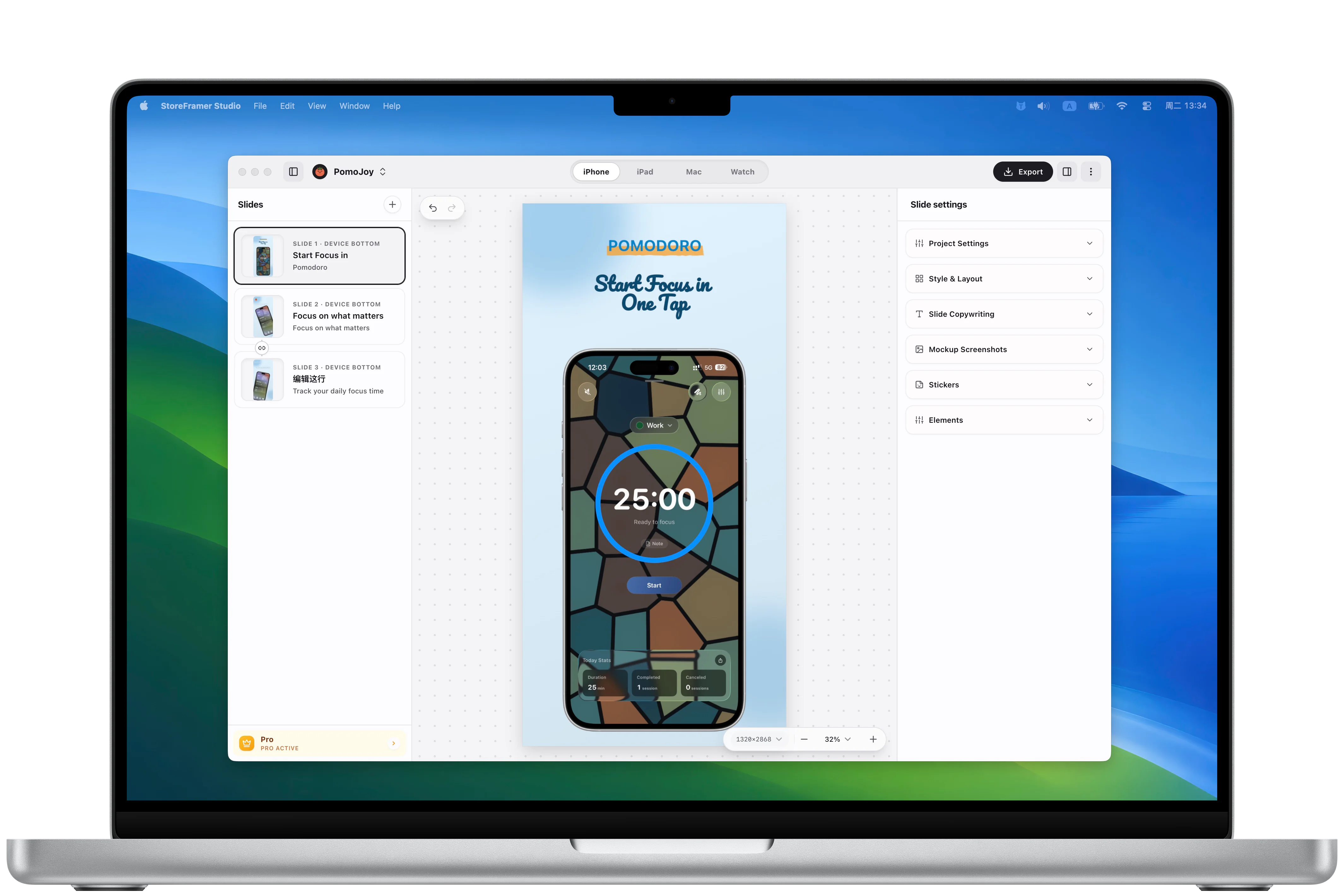
Choose layouts, frames, backgrounds, headlines, and taglines directly on the canvas.
Pick an export scope and generate image files for your App Store Connect workflow.
StoreFramer Studio brings project assets, the canvas, the inspector, device frames, and export actions into a single Mac editor.
WORKFLOW
Manage projects, languages, devices, screenshot slides, and batch exports around one local project file.
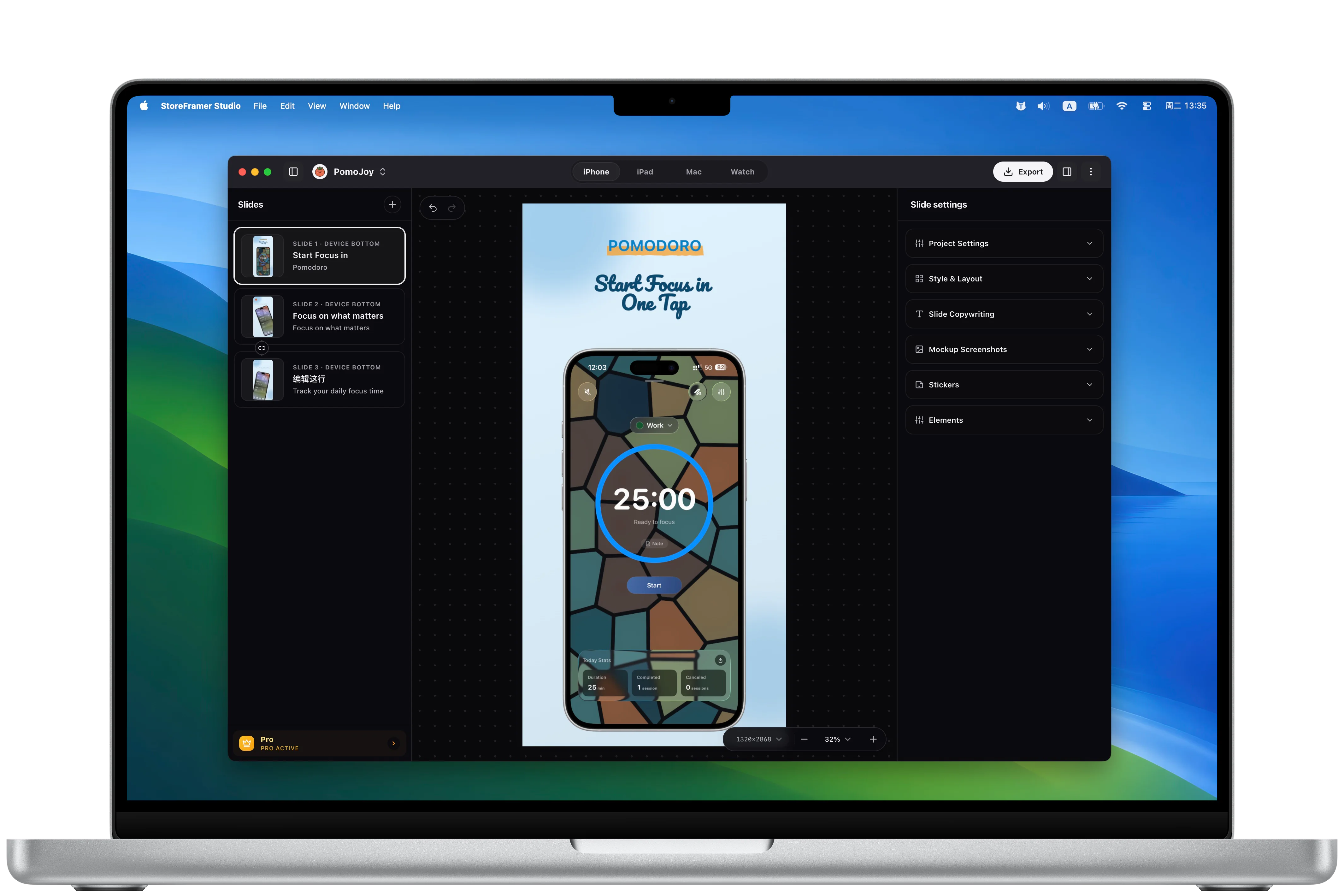
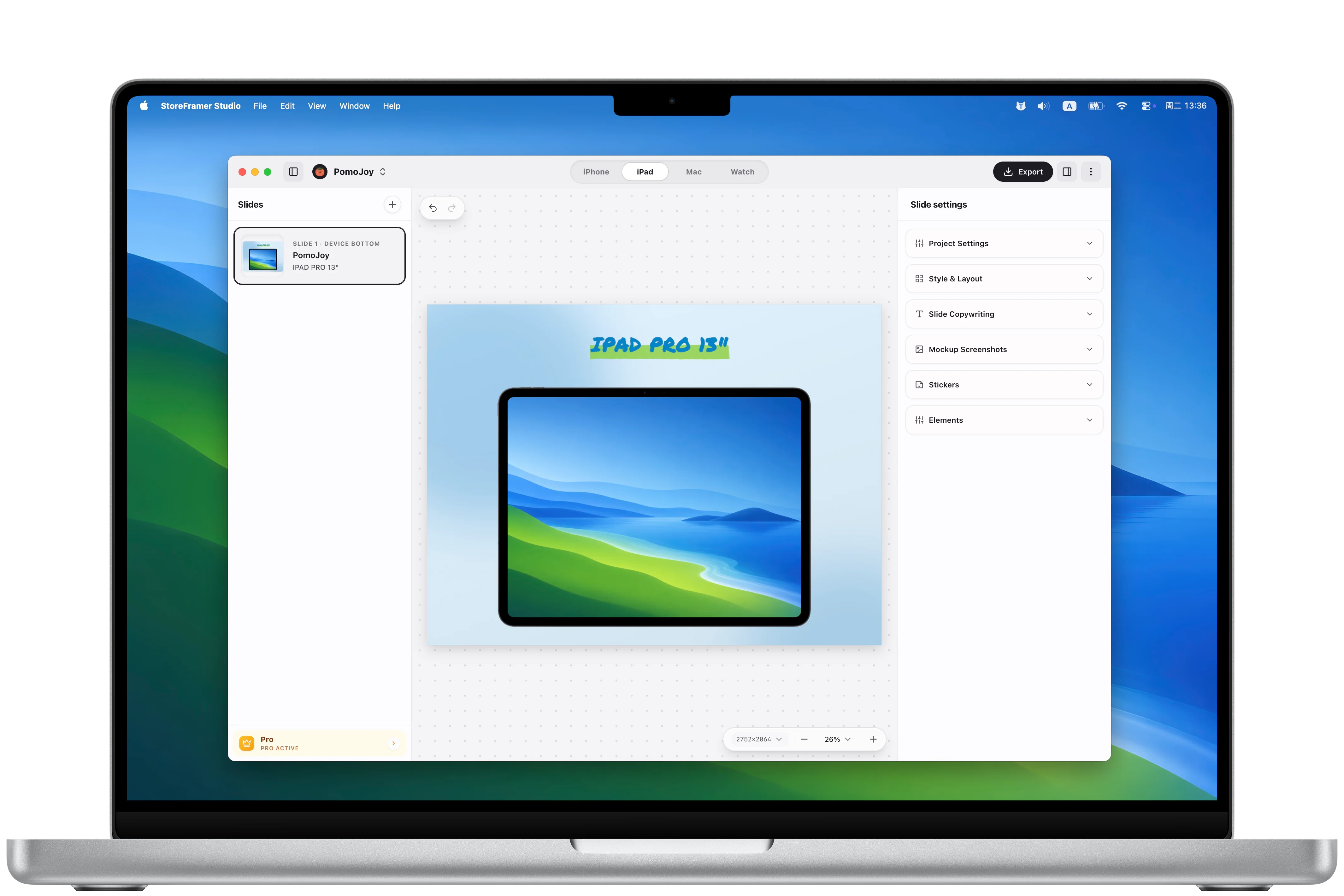
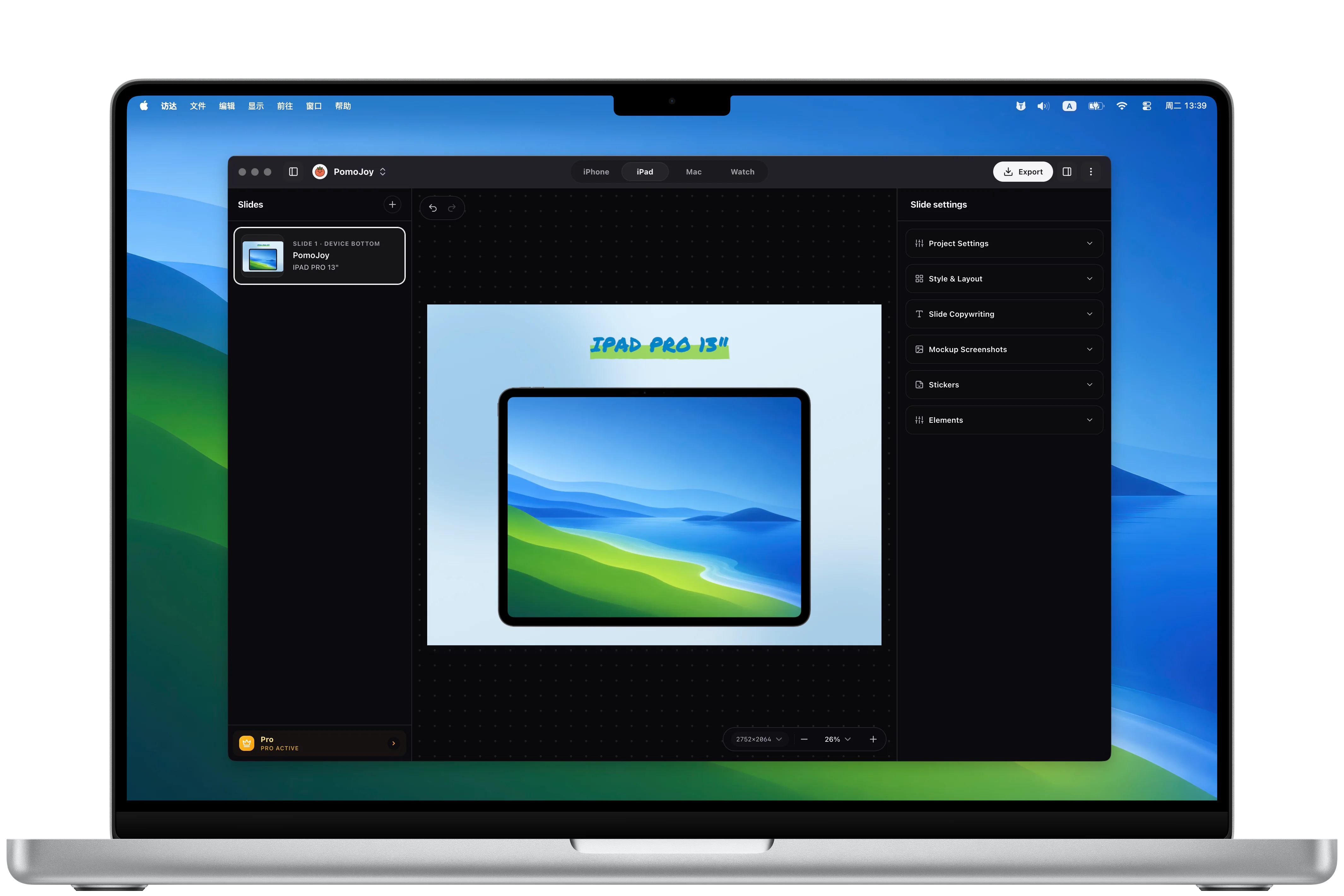
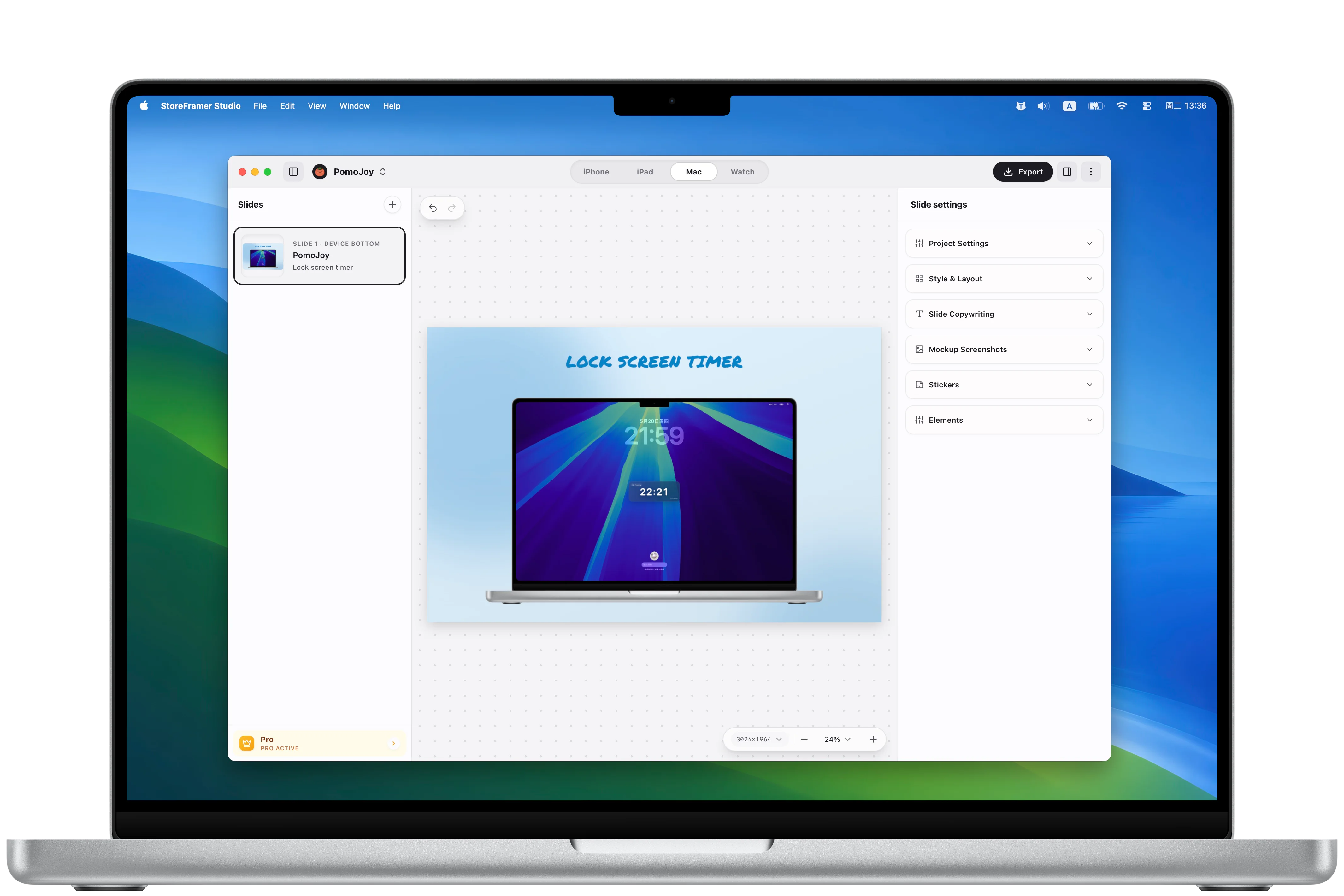
Screenshots, icons, backgrounds, and project settings you import are used to generate store artwork and are stored in the app data folder on your Mac. This website does not receive those files.
StoreFramer Studio purchases, subscriptions, refunds, and subscription management are handled by Apple through the App Store. The app only reads the purchase status needed to remove export watermarks.
Find answers to common questions before you start using StoreFramer Studio.
StoreFramer Studio is a Mac desktop app for creating App Store screenshots for iPhone, iPad, Mac, and Apple Watch surfaces.
No. StoreFramer Studio is local-first. Project data, imported screenshots, and background assets are stored on your Mac.
Yes. You can keep screenshot assets, app names, headlines, and taglines separate for each supported language.
StoreFramer Studio exports image files for target device sizes and is designed for the App Store Connect screenshot workflow. You should still review Apple’s current size and review requirements before uploading.
Free exports may include a StoreFramer Studio watermark. Pro removes the watermark and unlocks a cleaner export experience for production store artwork.
Yes. Export the selected device size or all configured devices and languages from a project.